
Digital passes
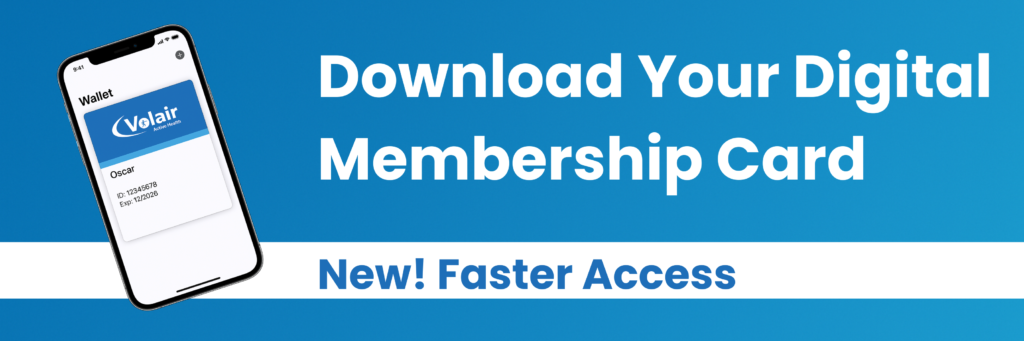
Digital membership cards are live!
You can now download your digital passes at all Volair clubs.
Before starting your active health journey at Volair, download your digital pass to help avoid interruptions to your access. Your digital card will automatically become active for your club.
Digital membership cards can be saved to your Apple Wallet or Google Wallet, allowing you to access the club quickly and securely using your smartphone.
How to download the digital pass?
- Go to the Volair website on your mobile phone.
- Click on BOOK.
- Log in to your Volair Account.
- Click on my account.
- Scroll down to Membership Card, then click the icon.
- Then add to wallet.
Don’t worry if you are struggling, you can always ask for help inside your Volair club or by calling 0151 443 2200 and one of our team members will assist you through the process.
Latest From Volair
Discover the latest Volair announcements, member highlights, fitness tips, and community events. Our blog keeps you connected, informed, and motivated on your fitness journey.
-
 Read more: Back to Routine
Back to Routine
If exercise has slipped down your priority list over the last few weeks, September is a great opportunity…
-
 Read more: Know Your Numbers Week 2026
Know Your Numbers Week 2026
Drop in for a free blood pressure check during Know Your Numbers Week and take a simple step…
-
 Read more: Volair Halewood Refurbishment Project
Volair Halewood Refurbishment Project
Keep Hydrated This Summer! As the warmer weather approaches, so does the importance of keeping hydrated. Especially if…